Friday, March 21, 2014

Series Draft IV

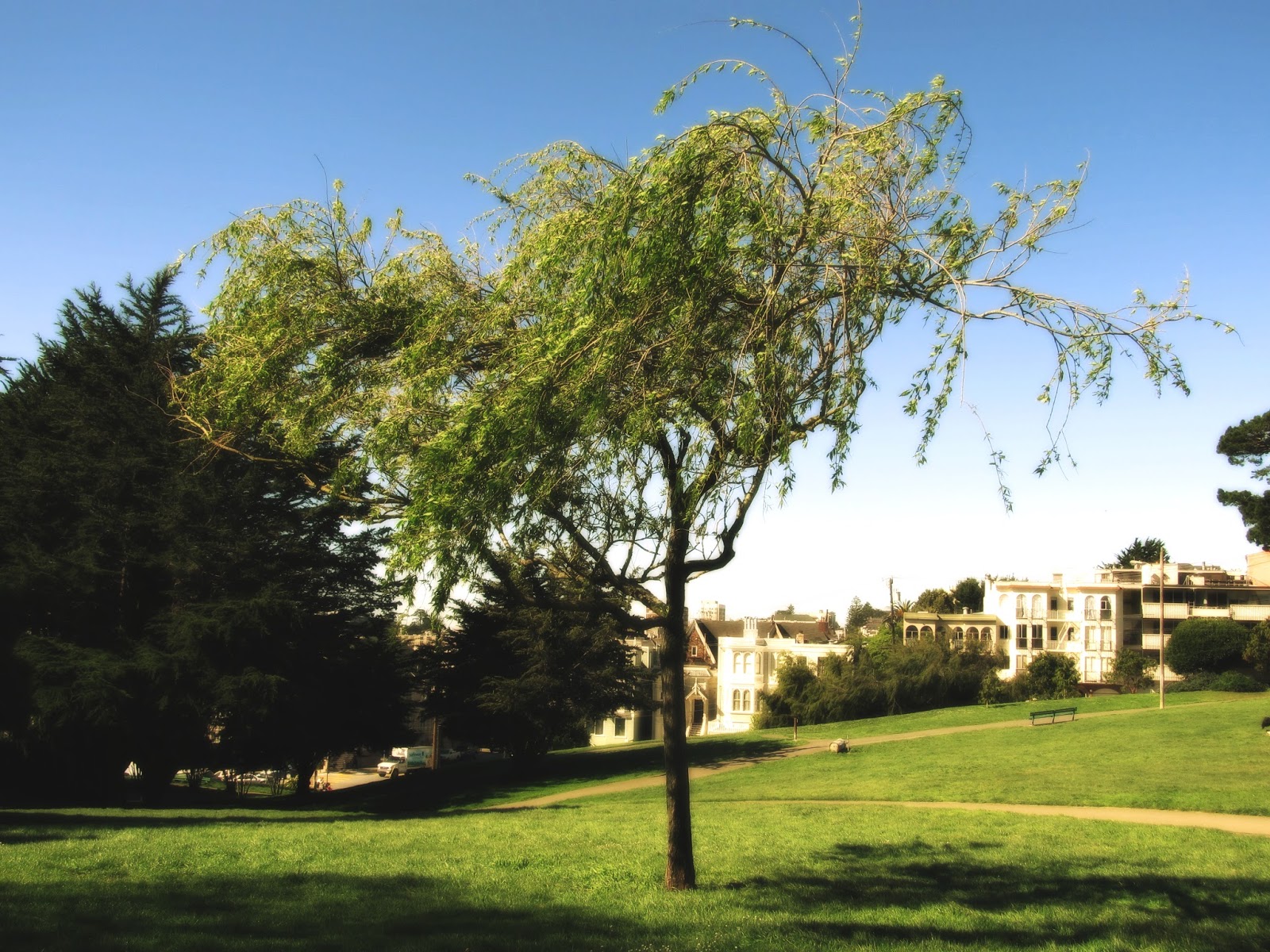
For this fourth batch, I have shot a variety of subjects. I continued creating nostalgic and inviting environments in my pictures. In addition, I tried to avoid shooting in the bright light and avoid the bright areas from taking attention away from my subjects. If there were bright areas in my pictures, mainly the sky, I used Picmonkey to edit them.


Thursday, March 13, 2014

Series Draft III

In the third draft of my series, I have gotten the hang of editing my pictures to create a dreamy, warm, and nostalgic feeling. I visited Alta Plaza Park and Cobbs Elementary to shoot. The main focus for this batch was San Francisco's nature and displaying as much green as possible.


Friday, March 7, 2014

Series Draft II

In this new batch, I concentrated on photographing driveways, streets, and houses. I tried to find subjects with a colorful aspect that becomes the focus of my images. Creating depth and capturing "remnants of humanity" continue to be my main goals. Also, I have found a new effect on PicMonkey that adds the nostalgic feeling to my images called Sunglow, in addition to the Soften effect that I have been using. 


Thursday, February 27, 2014

Series Draft I

In this new series, I am continuing to emulate Eugene Atget's style. However, this time, I am shooting antiquated buildings, streets, and signs, and nature in color. I will be challenging myself to recreate the same nostalgic, dreamy, and "remnants of humanity" feeling. With our high-tech cameras, it is difficult to shoot blurry and dreamy pictures, so I have used the Soften effect on Picmonkey. My images feature leading lines, repetition, and depth staging to create depth. In addition, the whole scene is shown and not cropped to give the full story in my pictures.


Thursday, February 6, 2014

Filters

In this assignment, we tested out the different filters and effects on Picmonkey and Photoshop. The goal is to allow us to explore the different ways we can alter our pictures and hopefully choose an effect or combination of filters that we like and use in a series.


Filter used: Chrome in Photoshop


Filters used: Glowing edges, Diffuse glow, and Cutout in Photoshop


Filters used: Cutout and Glowing edges in Photoshop


Filters used: Glowing edges and Ink outlines in Photoshop


Filters used: Neon glow in Photoshop


 Filters used: Ombre in Picmonkey, Changed brightness in Picmonkey, Cutout in Photoshop

Friday, January 31, 2014

Design


In this assignment, we designed movie posters, advertisements, album covers, magazine covers, and book covers. We added text and put thought into the layout of our design to "sell" the product or attract attention.

Thursday, January 23, 2014

Motion 2


After working with low shutter speeds, we took pictures using high shutter speeds to freeze motion. I took pictures of objects in mid-air and of people jumping to create the effect of levitation. It was quite difficult to photograph the model jumping and finding the exact time to press the shutter before the model finished the jump. Also, modeling for another person was stressful since the feet needed to be flat while jumping, to look natural.